Complete M50 Journey Records Management
Access comprehensive records of all your M50 motorway journeys, review detailed toll charges, download official payment receipts, and maintain accurate transaction history for personal or business accounting purposes.
24/7 Access
View your complete journey history anytime
Important Information
Journey records are available for the past 24 months. All transactions are recorded in real-time and receipts can be downloaded immediately after payment processing. For business accounts, bulk export options are available in CSV and PDF formats.
Understanding Your Journey Records
Journey Details
View exact date, time, entry and exit points for every M50 journey with precise timestamps.
Toll Charges
Complete breakdown of toll charges applied, including vehicle class and any applicable discounts or surcharges.
Payment Status
Real-time payment status updates showing paid, pending, or outstanding transactions with payment method details.
Receipt Downloads
Download official receipts in PDF format for individual journeys or bulk exports for accounting purposes.
Accessing Your Journey Records
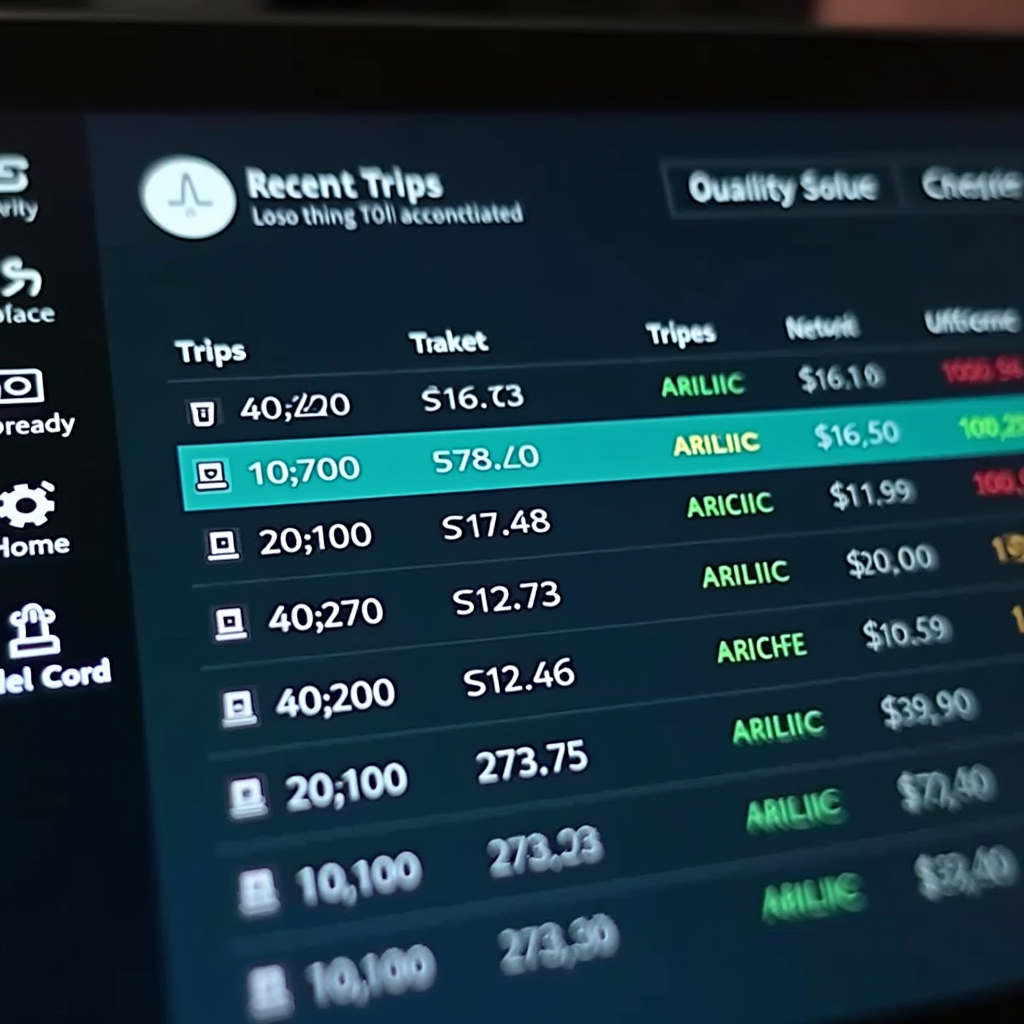
Your complete M50 journey history is available through your online account dashboard. All records are stored securely and can be accessed at any time for review, download, or export. The system maintains detailed records for 24 months, ensuring you have access to historical data for tax returns, expense claims, and business accounting.
Detailed Transaction Information
Journey Record Details
Each journey record in your account contains comprehensive information to help you track and verify your M50 toll usage. The system captures every detail automatically when your vehicle passes through the toll barrier.
Recorded Information
- Journey date and exact time of passage
- Vehicle registration number
- Vehicle class and toll rate applied
- Direction of travel (northbound/southbound)
- Toll charge amount
- Payment method used
- Transaction reference number
- Payment status and confirmation
Search and Filter Options
The journey records system includes powerful search and filtering capabilities to help you quickly locate specific transactions or analyze your M50 usage patterns over time.
Available Filters
- Date range selection (custom or preset periods)
- Vehicle registration number
- Payment status (paid, pending, outstanding)
- Payment method (credit card, direct debit, video account)
- Transaction amount range
- Direction of travel
- Time of day
- Transaction reference number search
Downloading and Exporting Records
Receipt and Statement Downloads
The M50 toll journey records system provides flexible download options to meet your documentation needs. Whether you require individual receipts for expense claims or comprehensive statements for business accounting, all formats are available instantly through your online account.
Individual Receipt Downloads
Each journey record includes a downloadable PDF receipt containing all transaction details, payment confirmation, and a unique reference number. These receipts are suitable for expense claims and tax documentation.
- Official PDF format with company branding
- Complete transaction details and timestamps
- VAT breakdown where applicable
- Unique transaction reference for verification
Bulk Export Options
For business users and fleet managers, bulk export functionality allows you to download multiple journey records simultaneously in various formats suitable for accounting software integration.
- CSV format for spreadsheet import
- PDF statement with all selected journeys
- Excel-compatible format with formulas
- Custom date range selection
Download Formats
PDF Receipt
Official formatted receipt
CSV Export
Spreadsheet compatible data
Excel Format
Advanced spreadsheet features
Statement PDF
Comprehensive period summary
Managing Your Transaction History
Historical Records
Access up to 24 months of journey history with complete transaction details and payment records.
- Two-year data retention
- Searchable archive
- Chronological sorting
- Permanent record storage
Usage Analytics
View detailed analytics and summaries of your M50 usage patterns and spending trends over time.
- Monthly spending summaries
- Journey frequency charts
- Peak usage times
- Annual totals and trends
Business Features
Enhanced features for business accounts including fleet management and multi-vehicle tracking capabilities.
- Multi-vehicle management
- Department cost allocation
- VAT-ready reports
- Automated monthly statements
Verifying and Disputing Charges
Charge Verification Process
Every journey record includes detailed information that allows you to verify the accuracy of toll charges. The system automatically applies the correct rate based on your vehicle class and any applicable discounts or promotions.
What to Check
- Journey date and time match your travel
- Vehicle registration is correct
- Vehicle class classification is accurate
- Toll rate applied is appropriate
- Any discounts have been applied
- Payment method is as expected
Dispute Resolution
If you believe a charge is incorrect, the journey records system provides a straightforward dispute process. Each transaction can be reviewed and challenged through your online account with supporting documentation.
Dispute Steps
- Locate the transaction in your journey records
- Click the dispute or query button
- Provide details of the discrepancy
- Upload supporting evidence if available
- Submit your dispute for review
- Receive response within 5 business days
Record Retention and Data Security
Data Retention Policy
All journey records and transaction data are retained for a minimum period of 24 months from the date of travel. This retention period ensures you have access to historical records for tax purposes, expense claims, and business accounting requirements.
Retention Benefits
- Complete 24-month history available
- Supports annual tax return preparation
- Enables long-term expense tracking
- Facilitates audit compliance
- Permanent download options before expiry
Important:Records older than 24 months are automatically archived. Download important records before they expire to maintain permanent copies for your files.
Security Measures
Your journey records and personal information are protected by industry-standard security measures. All data is encrypted both in transit and at rest, ensuring your transaction history remains confidential and secure.
Security Features
- 256-bit SSL encryption for all data
- Secure login with password protection
- Two-factor authentication available
- Regular security audits and updates
- GDPR compliant data handling
Privacy Guarantee:Your journey records are accessible only to you and authorized account users. Data is never shared with third parties without your explicit consent.
Access Your Journey Records Today
Log in to your M50 toll account to view your complete journey history, download receipts, and manage your transaction records. All your motorway usage data is available at your fingertips, ready for review or export whenever you need it.
Frequently Asked Questions
How far back can I access my journey records?
Journey records are available for the past 24 months from the current date. This provides comprehensive historical data for tax returns, expense claims, and business accounting purposes. Records older than 24 months are automatically archived but can be requested through customer service if needed for specific purposes.
Can I download receipts for multiple journeys at once?
Yes, the bulk export feature allows you to select multiple journey records and download them as a single PDF statement or CSV file. You can filter by date range, vehicle, or payment status, then export all matching records in your preferred format. This is particularly useful for monthly expense reporting or annual tax preparation.
How quickly do new journeys appear in my records?
Journey records are updated in real-time as you pass through the M50 toll barrier. Your account dashboard will show new journeys within minutes of travel, allowing you to verify charges and download receipts almost immediately. Payment processing may take slightly longer depending on your payment method, but the journey details are recorded instantly.
Are the downloaded receipts acceptable for tax purposes?
Yes, all receipts downloaded from the journey records system are official documents suitable for tax returns and expense claims. Each receipt includes all required information including transaction date, amount, VAT breakdown where applicable, unique reference number, and company details. These receipts meet Revenue requirements for business expense documentation.
Can I manage journey records for multiple vehicles?
If you have multiple vehicles registered to your account, you can view and manage journey records for all vehicles from a single dashboard. The system allows you to filter records by vehicle registration, making it easy to track usage and expenses for each vehicle separately. Business accounts can also allocate costs to different departments or cost centers.
What should I do if I notice an incorrect charge in my records?
If you identify a charge that appears incorrect, use the dispute function available on each journey record. Click the query or dispute button next to the transaction, provide details of the discrepancy, and submit your dispute. The customer service team will review your case and respond within 5 business days. You can track the status of your dispute through your account dashboard.